.png&w=2048&q=75)
Navigating the intricacies of DNS management involves mastering various aspects, and domain forwarding stands out as a valuable feature. In this guide, we will explore the concept of domain forwarding, exploring its uses and benefits. If you want to dive directly into setting it up, you can refer to our article on how to set up domain forwarding effectively on NameSilo.
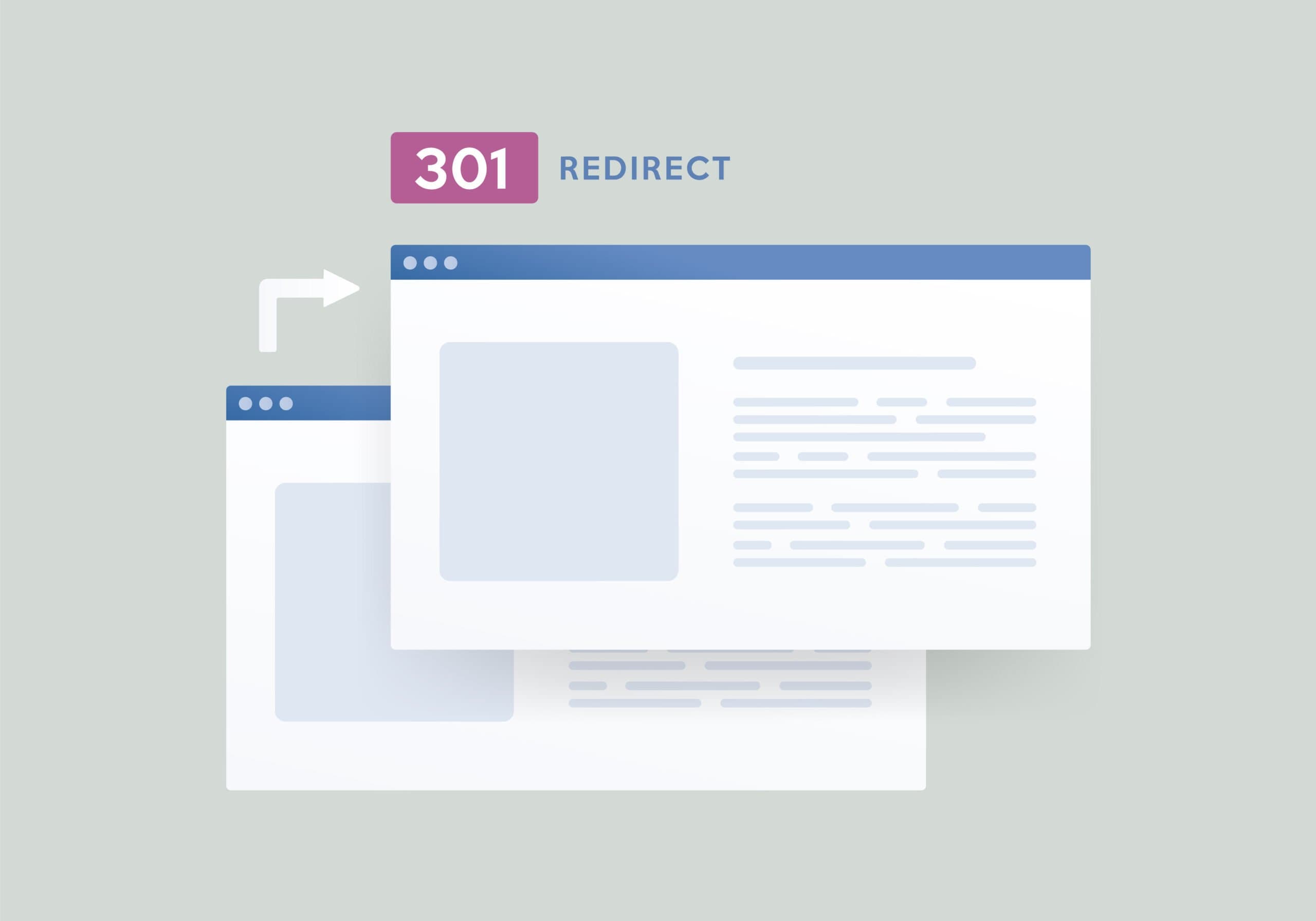
Domain Forwarding, also known as URL forwarding, is a technique that redirects one domain to another. It allows you to seamlessly guide visitors from one web address to a different destination.
Brand Consolidation: Redirect multiple domains to a primary domain, streamlining your online presence.
Easy Access: Simplify complex URLs by forwarding shorter, more memorable domains to specific pages or sections of your website.
Migration Assistance: During website migrations or updates, forward the old domain to the new one to ensure continuity for your audience.
Ideal for permanent changes, such as a domain rebranding. Ensures search engines index the new domain.
When a user enters the forwarded domain in their browser:
__MEDIA_BLOCK__::/_next/image?url=https%3A%2F%2Fstorage.googleapis.com%2Fnamesilo-blog-cdn%2F20240627160439700-image_1-8-300x101.png&w=640&q=75
Path forwarding takes domain forwarding to a more granular level by allowing you to specify a particular path or directory on the target domain. This means that when users visit the forwarded domain, they are redirected to a specific page or section of the target domain.
Example
Original Domain: www.namesilo.net
Target Domain: www.namesilo.com
Path Forwarding: www.namesilo.net/hello → www.namesilo.com/hello
In this scenario, users accessing www.namesilo.net/hello will be directed to www.namesilo.com/hello.
__MEDIA_BLOCK__::/_next/image?url=https%3A%2F%2Fstorage.googleapis.com%2Fnamesilo-blog-cdn%2F20240627160432587-image_0-9-300x75.png&w=640&q=75
Cloaked forwarding, also known as masked forwarding, provides a seamless user experience by keeping the original domain visible in the browser’s address bar even after redirection. This can be beneficial for branding purposes, as it maintains consistency and hides the target domain from users.
Example:
Original Domain: www.namesilo.net
Target Domain: www.namesilo.com
Cloaked Forwarding: Users see www.secondarydomain.com in the address bar even though they are on www.namesilo.com.
Keep in mind that while cloaked forwarding maintains the original domain in the address bar, the actual content served is from the target domain.
__MEDIA_BLOCK__::/_next/image?url=https%3A%2F%2Fstorage.googleapis.com%2Fnamesilo-blog-cdn%2F20240627160424674-image_2-6-300x138.png&w=640&q=75
Domain forwarding, including path forwarding and cloaked forwarding, provides you with a versatile method to manage your online presence effectively. Whether you’re consolidating domains, rebranding, or directing users to specific content, these forwarding options empower you to create a seamless and user-friendly experience.


Millions of customers rely on our domains and web hosting to get their ideas online. We know what we do and like to share them with you.